
How to create and install custom Python libraries in Microsoft Fabric
You've probably used %pip install to include open source libraries in your Fabric notebooks, but did you know you can also easily install your own custom Python libraries?

You've probably used %pip install to include open source libraries in your Fabric notebooks, but did you know you can also easily install your own custom Python libraries?

Leverage Azure OpenAI in a Fabric Jupyter notebook to summarize user review data, securely store secrets in Azure Key Vault, and handle data in Fabric Lakehouse’s Delta tables.

This video shows you how to use Azure AI sentiment analysis machine learning models within a Fabric Jupyter notebook to add user sentiment features to Data Lake tables.

We can leverage Azure AI services directly in Spark notebooks to enrich and transform data using Language AI Services. Learn how to use these powerful services using a Python Jupyter notebook stored in a Fabric workspace.
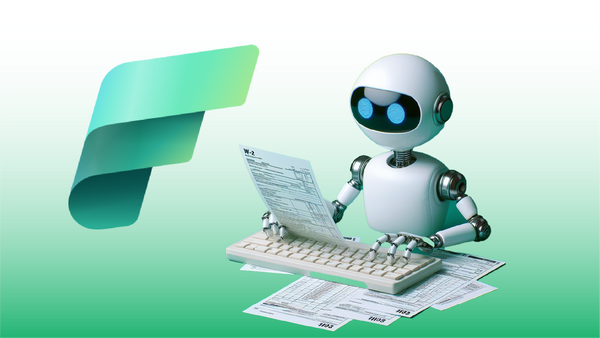
In this post learn how to build a Document Intelligence solution within Microsoft Fabric. This solution incorporates Azure AI to extract text from scanned documents. Using a Spark Notebook and Synapse ML, we can easily ingest scanned document data into a Data Lake solution.
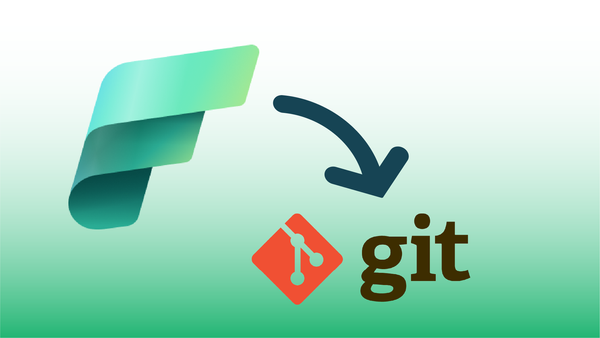
Microsoft Fabric supports connecting Fabric Workspaces with Git repositories. Watch this video to learn how to setup and use Git repos with Fabric. We'll cover configuration, synching notebooks and other content, as well as how to use Git to recover unintended changes to notebooks.

Microsoft Fabric combines many workloads into a unified architecture, making it easier to leverage both Data Engineering and Data Science techniques in a single platform solution.

Shortcuts allow Fabric users to access data resources in other public clouds as if they were stored in the data lake, making it easier for Lakehouse users to access external data sources. This post walks through the process to connect an S3 bucket to a Fabric Lakehouse.
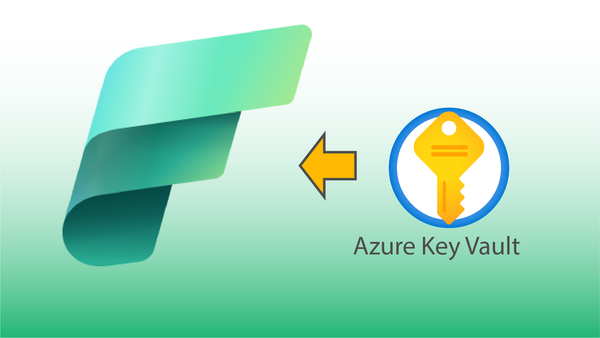
When creating solutions in Microsoft Fabric, it's often necessary to access services from external systems. This post demonstrates how to create an Azure Key Vault, store secrets in the vault, and then use them within Notebooks.